- Training
- Service
- Promotion
- Schedule
- Testing Center
- News
- Contact
6/23/2023


In order to maximize your response rate, it's crucial that your form is visually appealing and connects to your theme or brand. To help you achieve this objective, we have collected a set of valuable tips to guide you in leveraging the various customization options available within Forms.
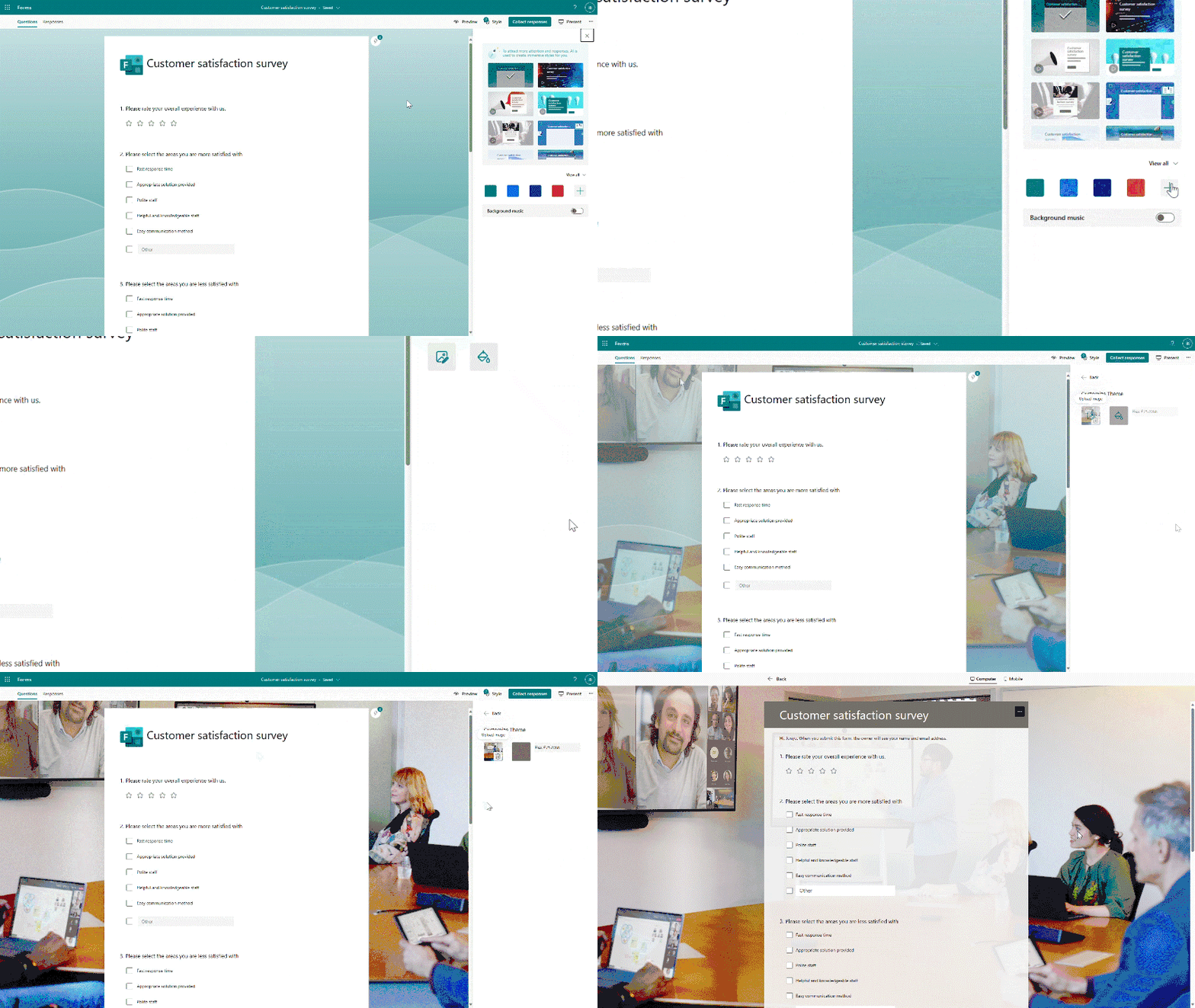
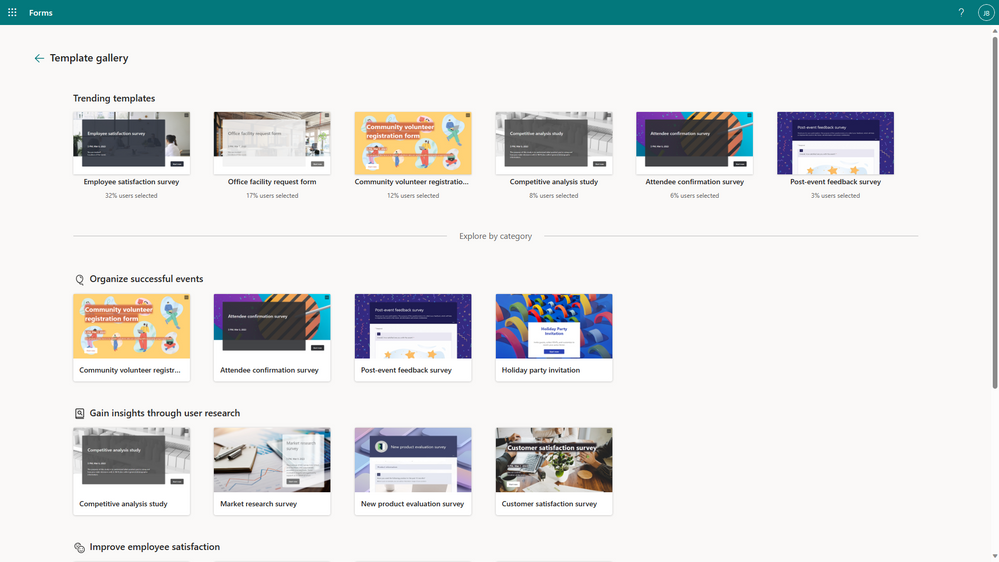
The fastest way to start - select a template from template gallery.
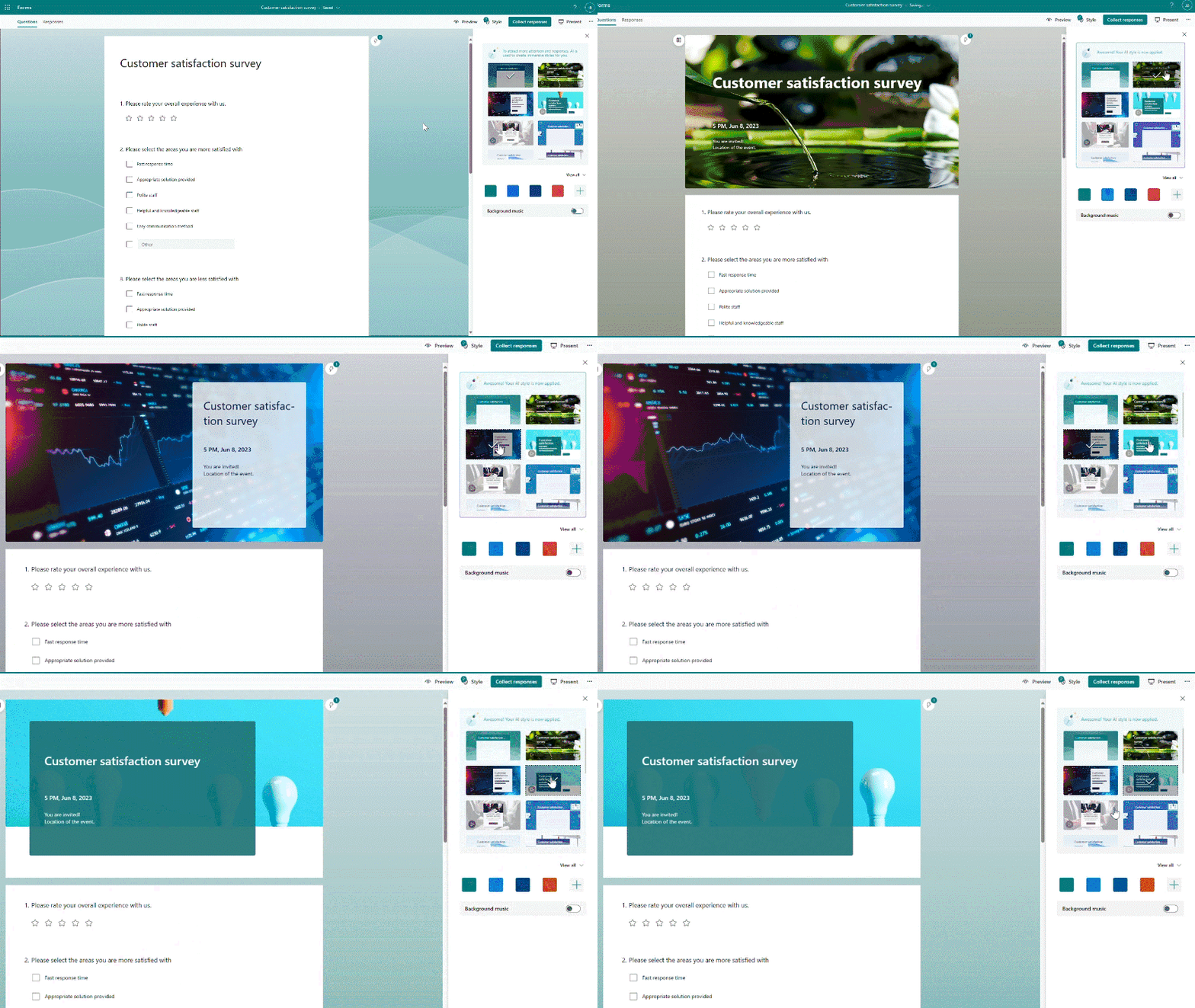
Choose a dynamic page or theme to grab the recipient’s attention.
Upload your own picture to customize background image.
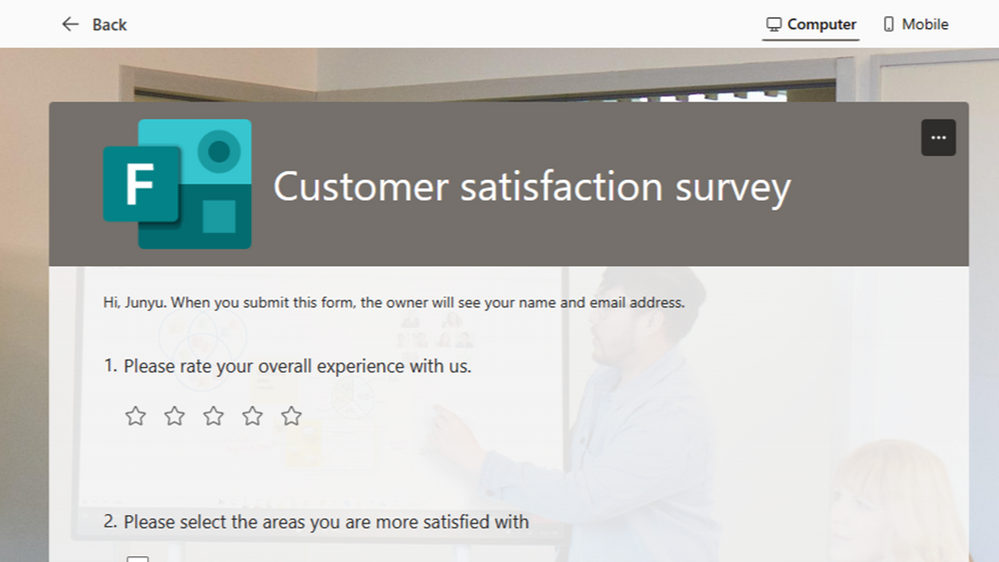
Add your logo in the header for a distinctive branding element that aligns with your organization or personal style.
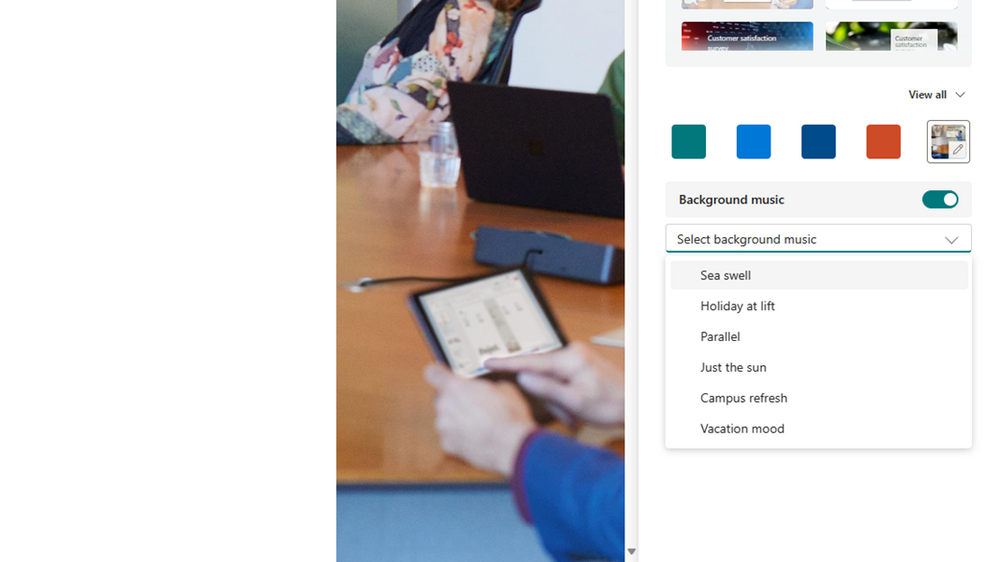
Select background music from our audio library. As respondents answer, they can choose to play the music for the full experience.
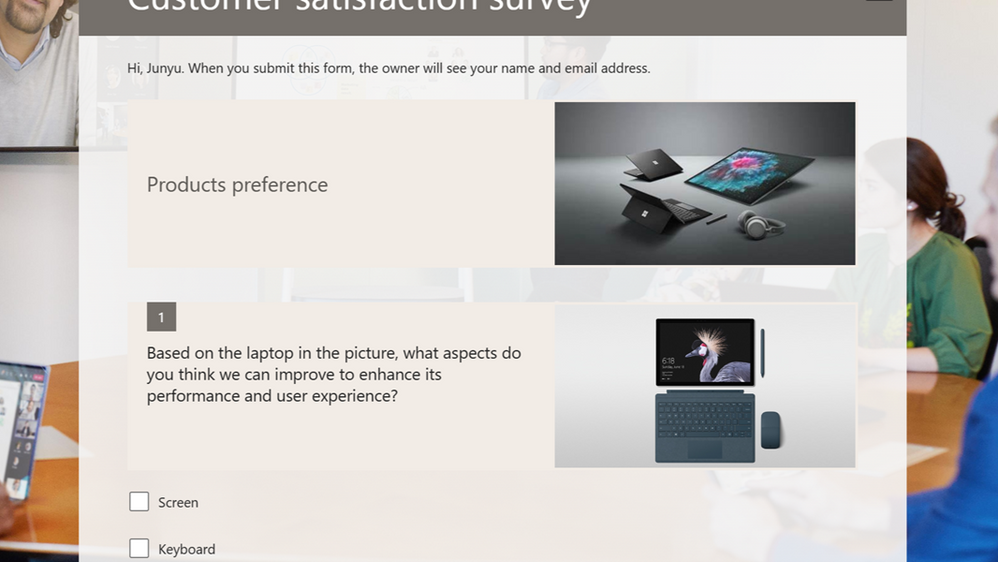
Add an image or video to the question or section for clarity.
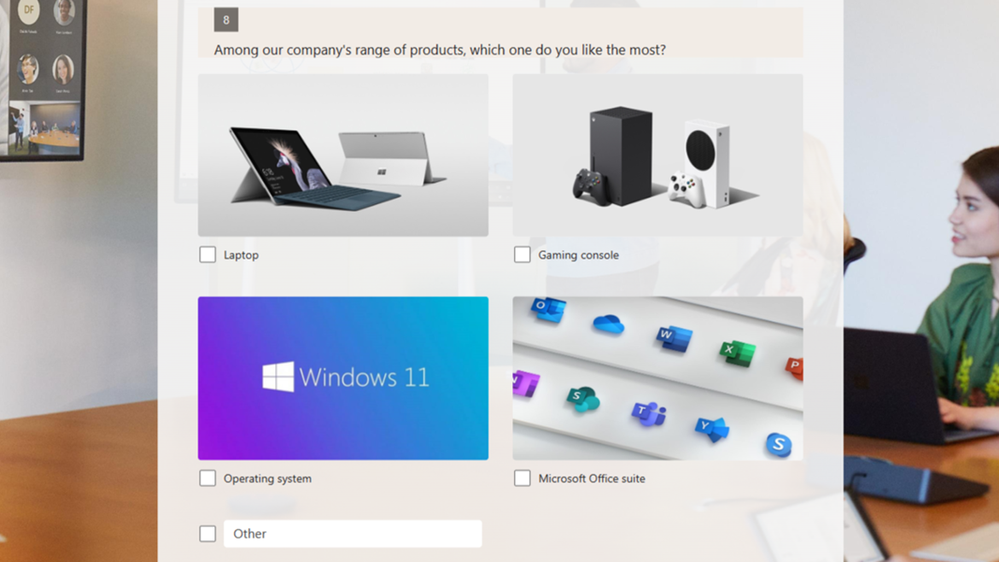
Add an image to illustrate response options.
Source: techcommunity.microsoft.com

12/11/2025